The app
Rent or buy
from the same screen.
Switch between Rent and Buy, pick one of 40 equipment types, and see what’s available near your site before you call anyone.
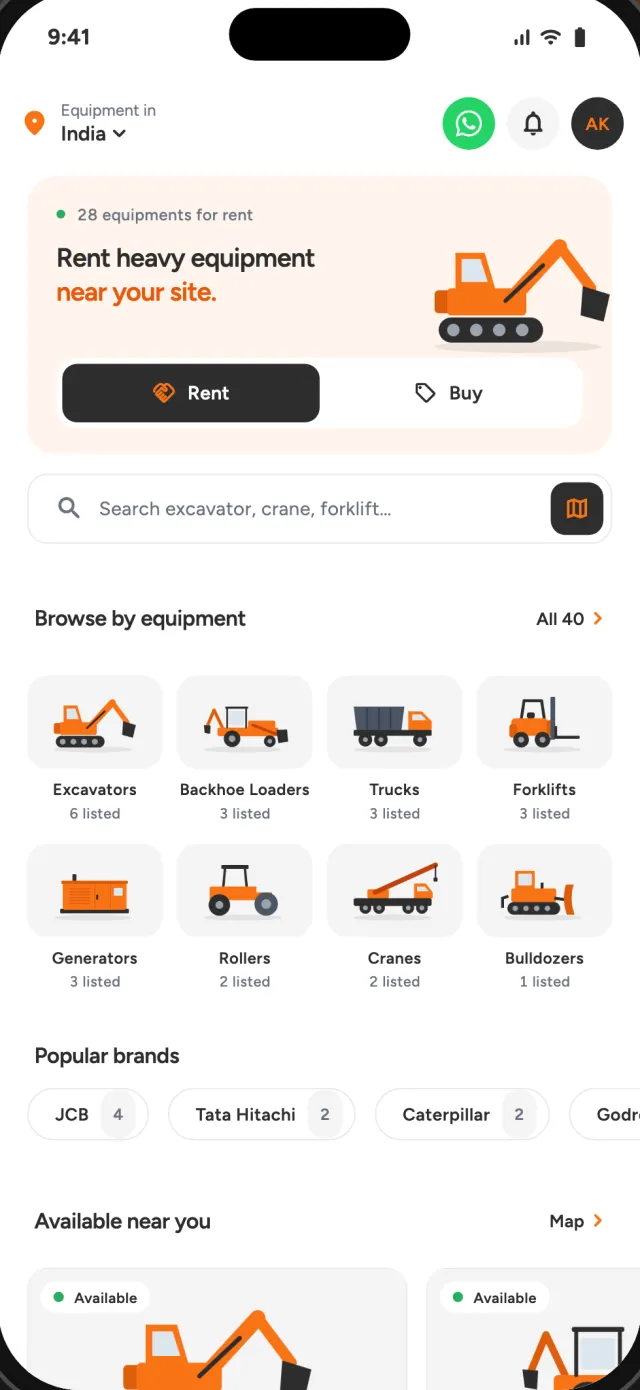
Rent · Buy · Sell
Find excavators, cranes, forklifts and 37 other types of equipment on a map. Every listing shows the price and the owner’s phone number. Browsing is free, and Excaren takes no commission.
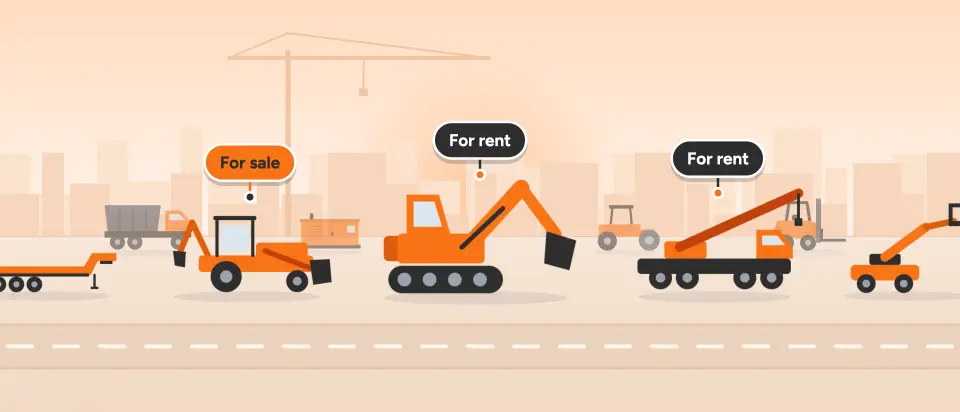
The map
Open the map to see what’s available near your site. Tap a pin for the price, the specs and the owner’s number, then deal with the owner directly.
Equipment types
Listings range from mini excavators to concrete pumps and generators. Each one shows the specs, the rates and whether an operator is included.
Earthmoving. Sizes: Mini, Midi, Standard and Large.
Excavators
Backhoe Loaders
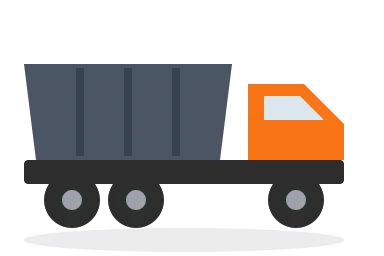
Trucks
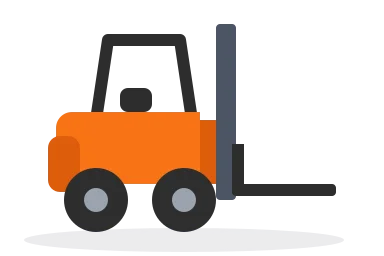
Forklifts
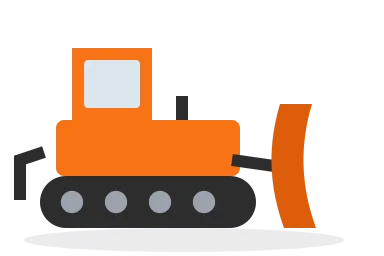
Bulldozers
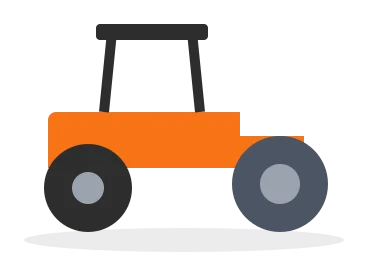
Rollers
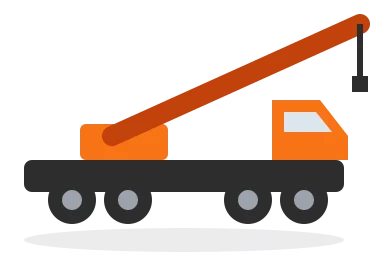
Cranes

Scissor Lifts
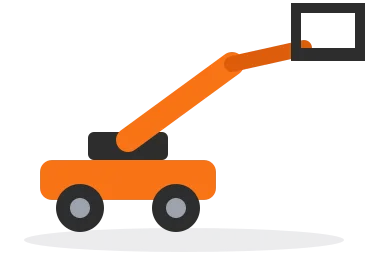
Boom Lifts
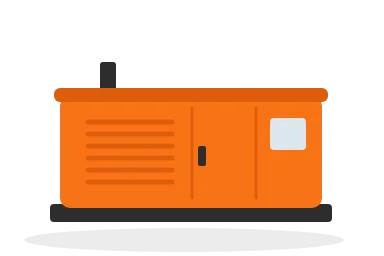
Generators
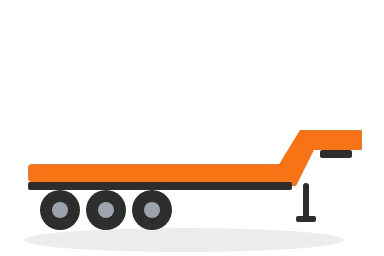
Trailers
Telehandlers
How Excaren works
40 types, from excavators to generators.
All equipment is shown where it's parked.
Send a rental request, or call to agree the rate.
Live listings
The app
Switch between Rent and Buy, pick one of 40 equipment types, and see what’s available near your site before you call anyone.
Direct from owners
Each listing shows hourly, daily and weekly rates, the machine’s specs and who owns it, so you know the details before you call.
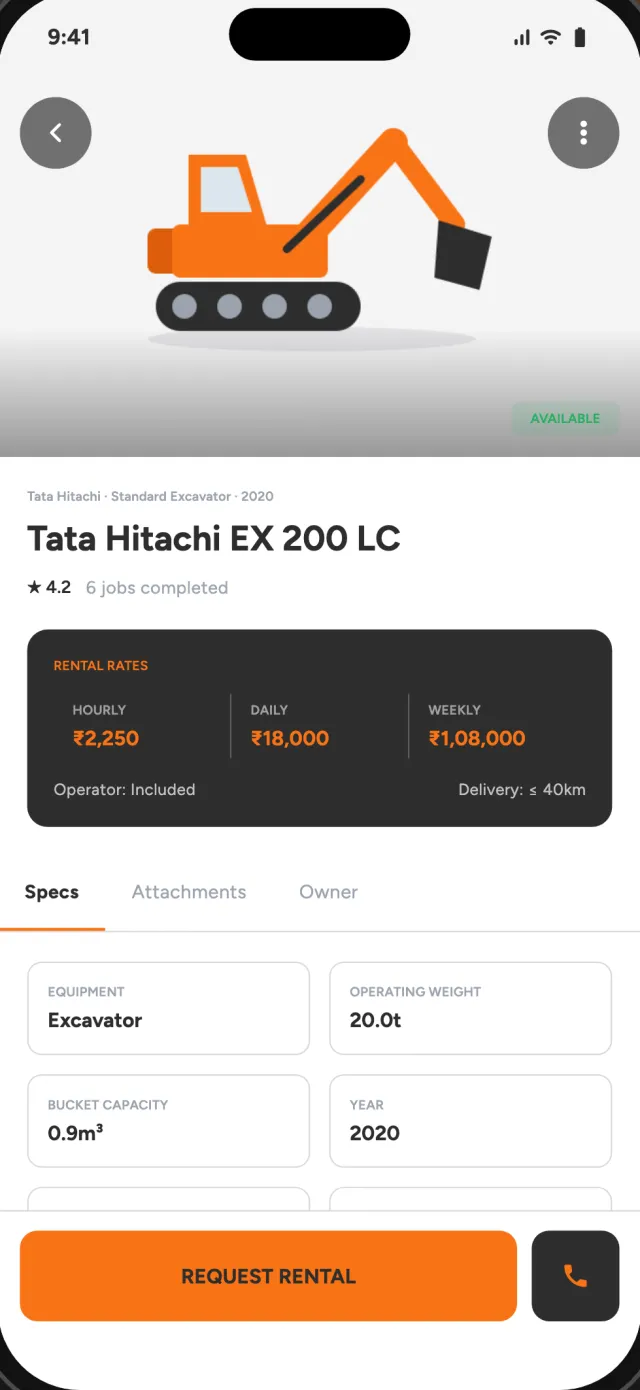
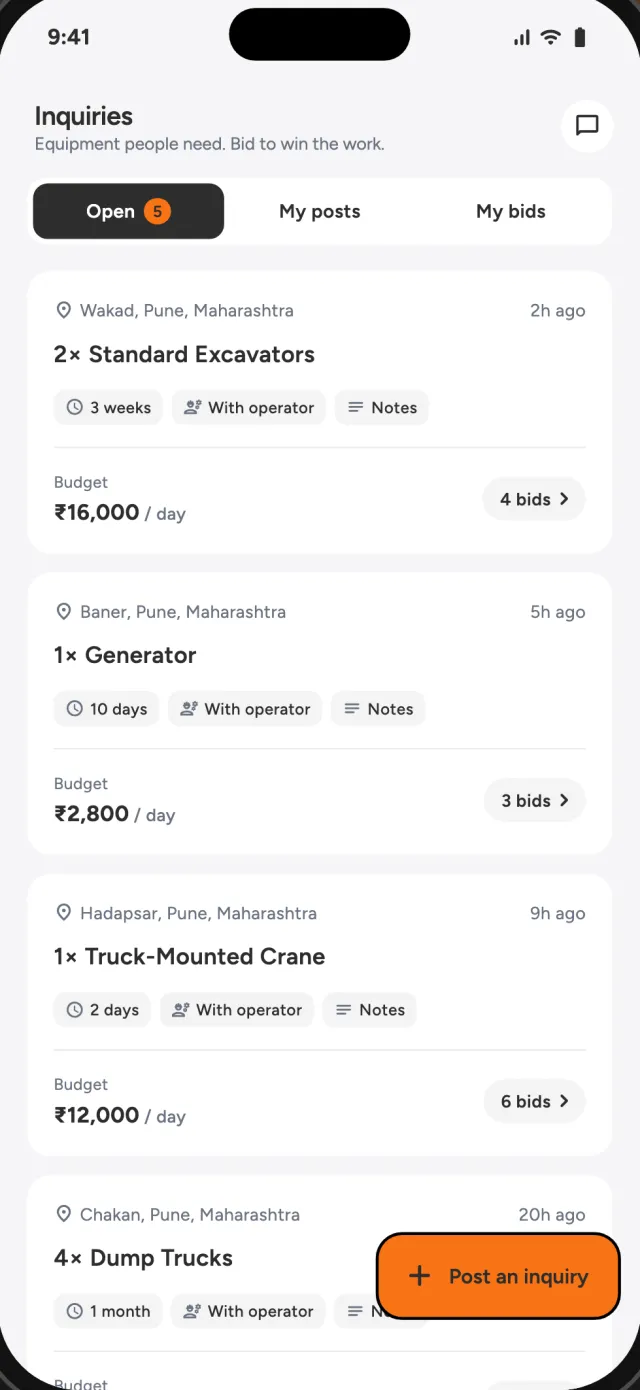
Inquiries
If you can’t find what you need on the map, post an inquiry with the equipment, how many you need, for how long and your budget. Owners reply with their prices and you choose one.
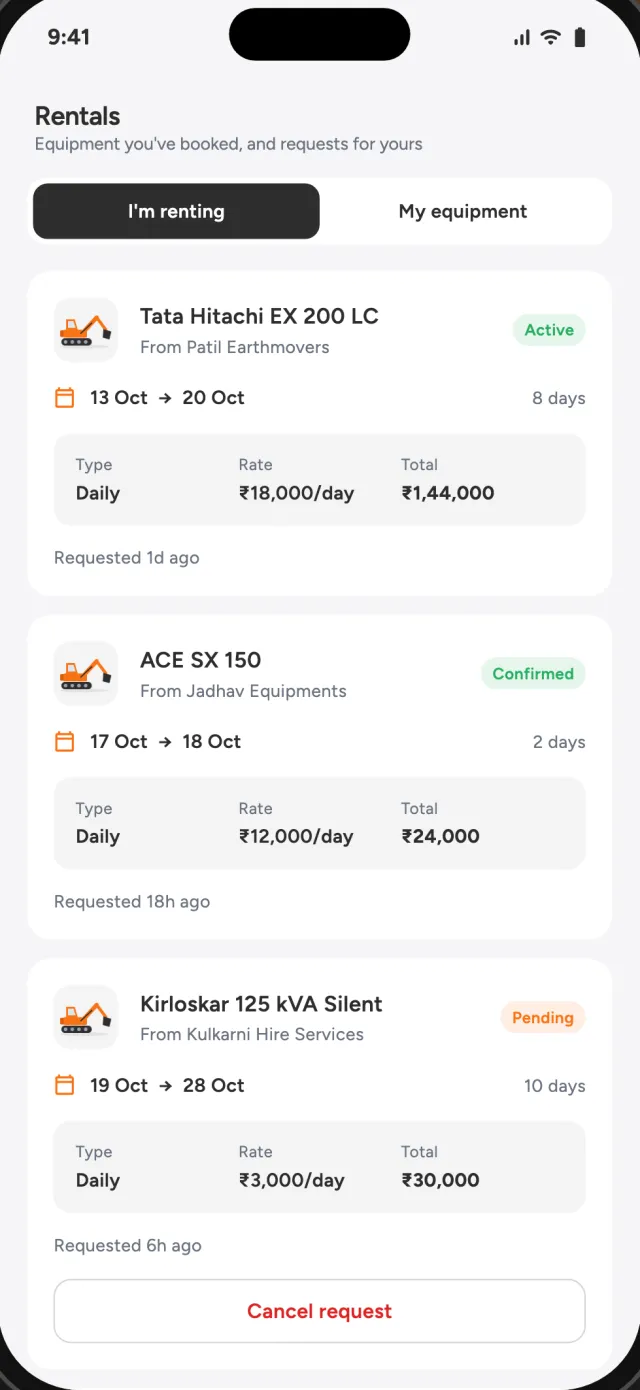
Rentals
The Rentals tab lists the equipment you’ve booked and the requests for your own equipment, with dates, rate and total. Each rental shows its status.
For owners
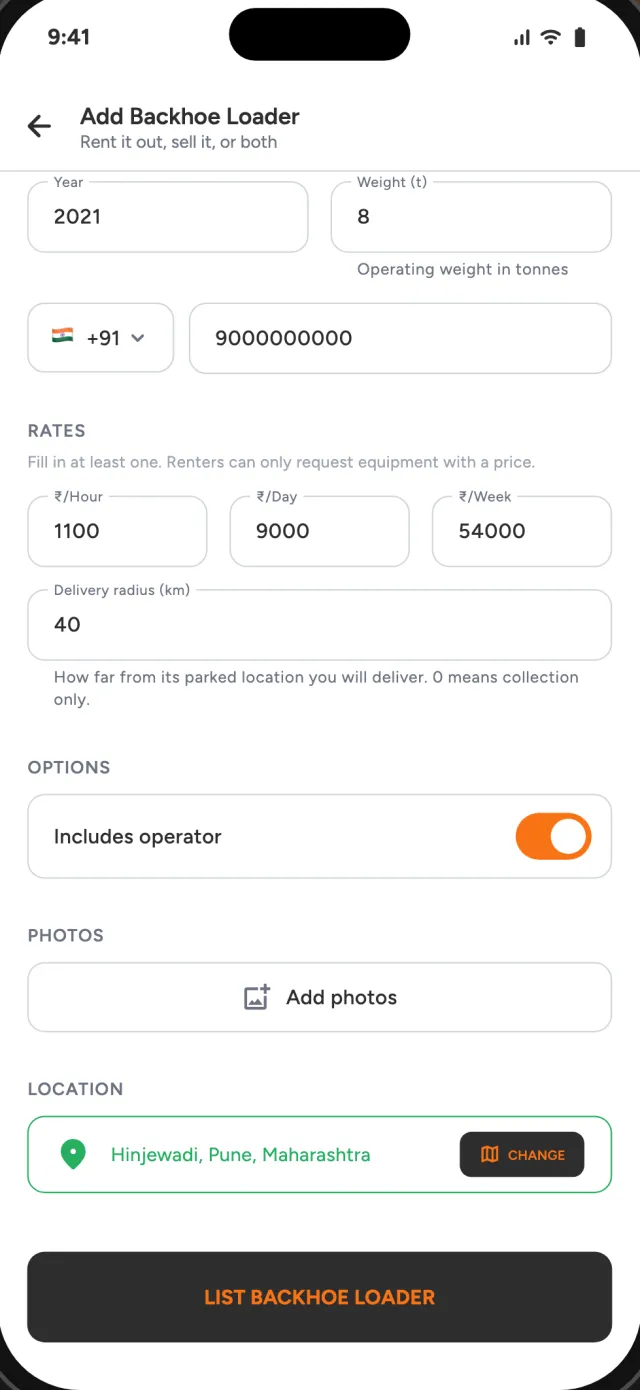
Add your machines and contractors near you can find them on the map. Rent them out, sell them, or both. Rental requests and inquiries arrive in the app.
Choose from 40 equipment types, then rent it out, sell it, or both.
Brand, model, year, operating weight and photos.
Hourly, daily and weekly rates, or a sale price. With or without an operator.
Mark where it’s parked and how far you’ll deliver. Requests reach you in the app.
Why Excaren
Excaren takes no cut of the rate or the sale price. You agree terms with the owner.
Equipment, the map and inquiries are open. Sign in when you want to call or post.
Each listing shows its rates or sale price in the owner’s currency.
Completed rentals can be rated. A machine’s rating and jobs done show on its listing.
Report any listing or user. Blocked users’ listings and messages disappear for you.
Message the Excaren team on WhatsApp from inside the app.
FAQ
Something else? Ask us on WhatsApp.
No. Equipment, the map and inquiries are open without an account. You sign in when you want to call an owner, post an inquiry or list your equipment.
No. Excaren takes no cut of the rate or the sale price. You agree terms with the owner directly, and every listing carries the owner’s phone number.
Yes. Switch from Rent to Buy to see equipment for sale, with the asking price and engine hours. When you list equipment, you choose to rent it out, sell it, or both.
40 equipment types, including excavators, backhoe loaders, bulldozers, motor graders, cranes, forklifts, telehandlers, boom and scissor lifts, dump trucks, trailers, rollers, asphalt pavers, concrete pumps, drill rigs, generators and forestry equipment.
Post an inquiry with the equipment, how many you need, for how long, your budget and the site location. Owners send you their prices, and you pick the one that fits.
Yes. Pick the equipment type, add the brand, model, year and photos, set hourly, daily and weekly rates or a sale price, and drop it on the map with a delivery radius. Requests reach you in the app.
Free on the App Store
Browsing needs no account. Sign in when you want to contact an owner or list equipment.